
AI educator · Official Canva Creator
AI, made
simple.
Free prompts, step-by-step guides and a weekly newsletter for creatives and small business owners. I show you exactly how I use AI and Canva to create more, in less time.
Join 20,000+ readers. Free, every week. Unsubscribe anytime.
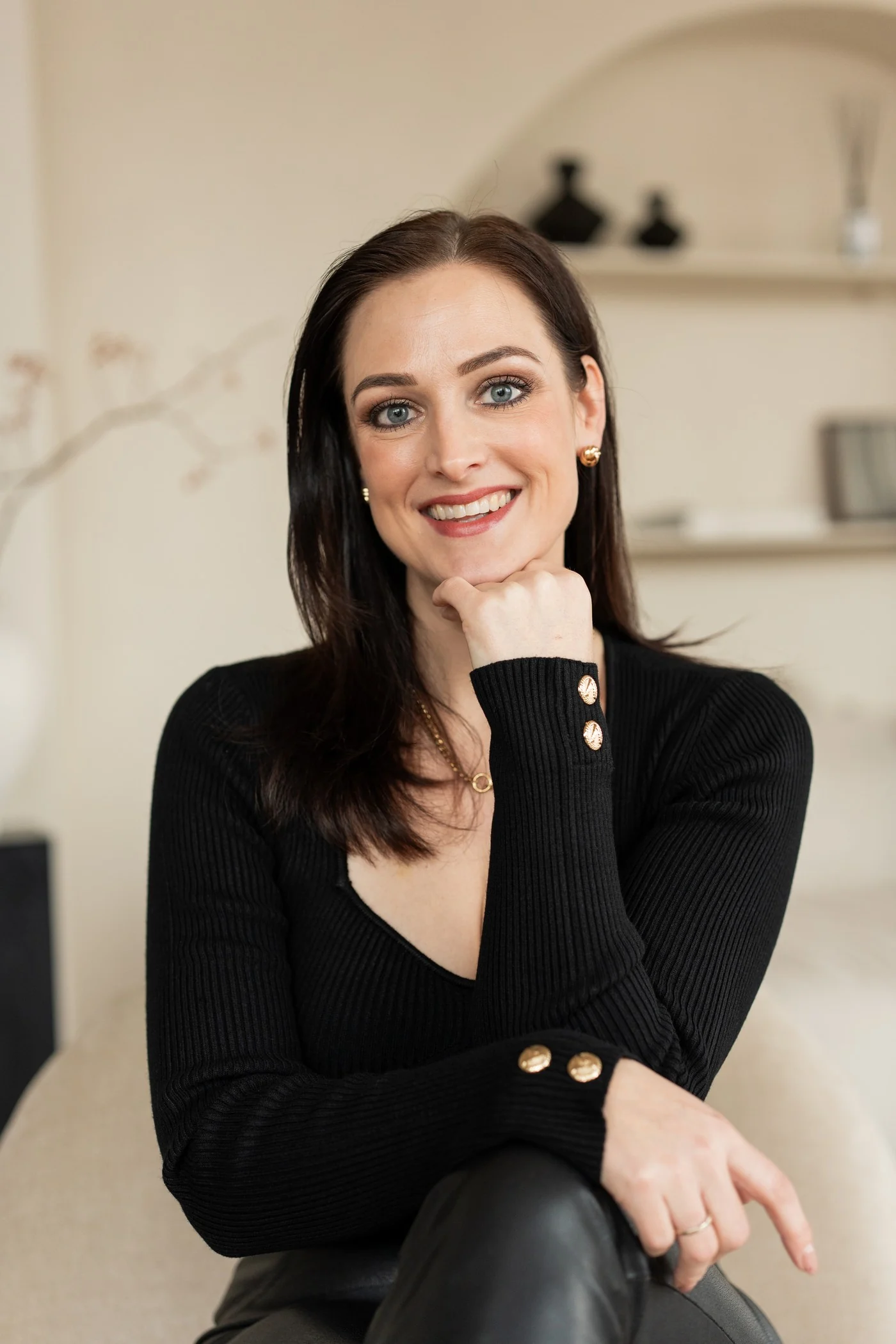
hey, I'm Lynn!
Brands & organisations I've worked with
Free prompts
Try a prompt. See what happens.
Copy one, paste it into ChatGPT or Claude, and fill in the brackets. New prompts land in your inbox every week.
Content
Turn one idea into a week of posts
You are my content strategist. My business: [what you do and who you help]. Turn this one idea into 5 social media posts for the coming week: [your idea]. For each post, give me a hook of max 10 words, 3 short lines of body text and one call to action. Write in a warm, simple tone. No hashtags, no emojis.
Visuals
Write an on-brand AI image prompt
Write one image prompt for [your AI image tool] in this exact order: subject, how the objects relate in space, the role of my reference image, materials and textures, colours ([your brand colours]), setting, lighting, camera and lens, mood, and what to avoid. What I want to show: [describe your product or scene].
Writing
Make AI sound like you
Here are 3 posts or emails I wrote myself: [paste them] First, describe my writing style in 5 short bullet points. Then rewrite the draft below in that style, in under 120 words: [paste your draft]
For teams & brands
Bring AI and Canva
into your team.
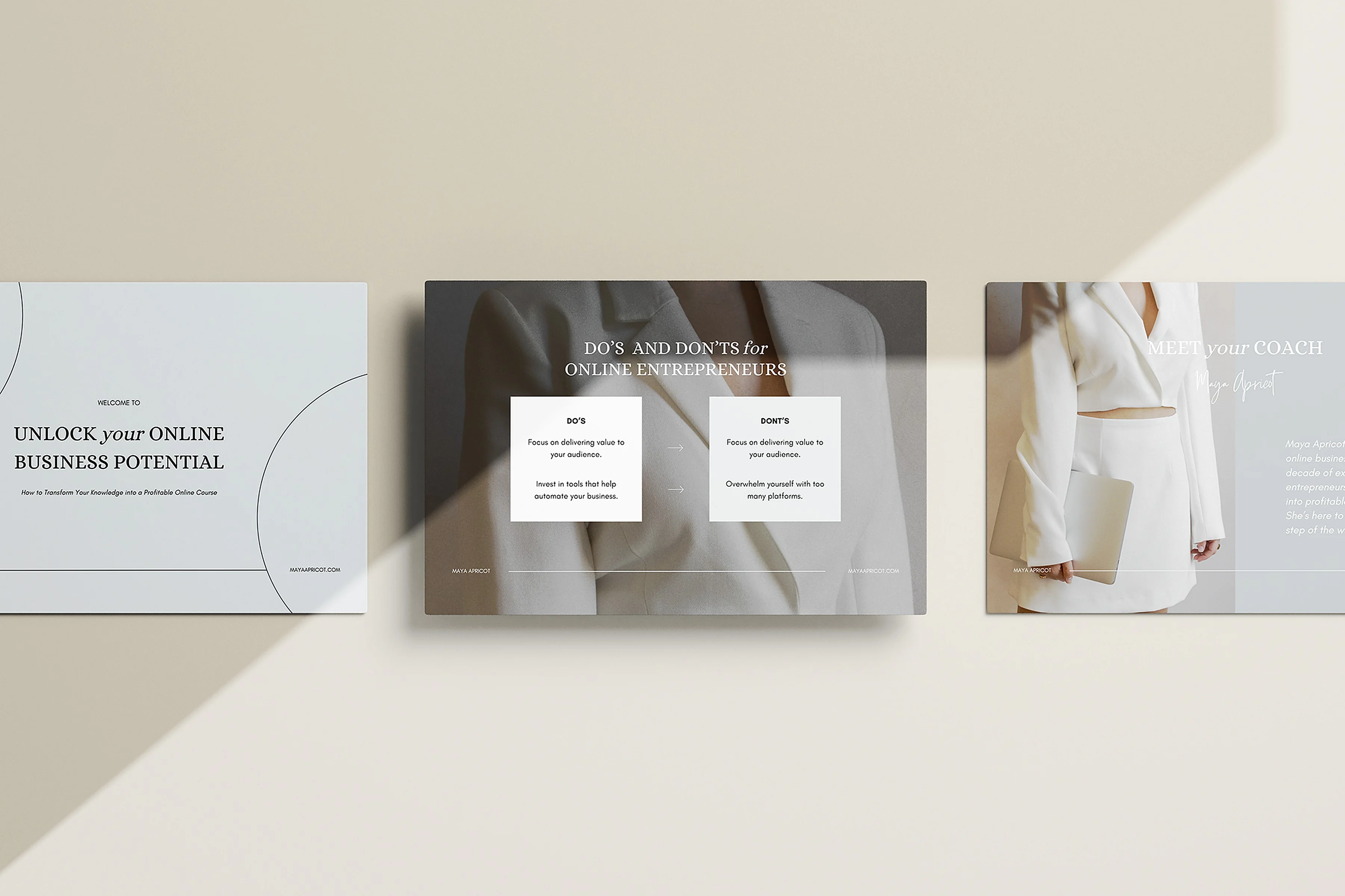
Three ways to work together: training, design and implementation, so your whole team creates on-brand work faster with AI and Canva.
Education
Live and online masterclasses, keynotes and workshops that make AI and Canva click, for teams, events and communities.
- AI & Canva masterclasses
- In-house team training
- Keynotes & speaking
Design
Custom Canva templates and AI visuals that match your brand and save your team hours. Done once, used forever.
- Custom brand templates
- Social media & campaign templates
- Decks, docs & reports
Implementation
I set up your brand in Canva and build AI workflows your team can follow, so every design stays on-brand without the back-and-forth.
- Brand Kit & template library setup
- Folders, roles & team workflow
- Hands-on team onboarding
For designers
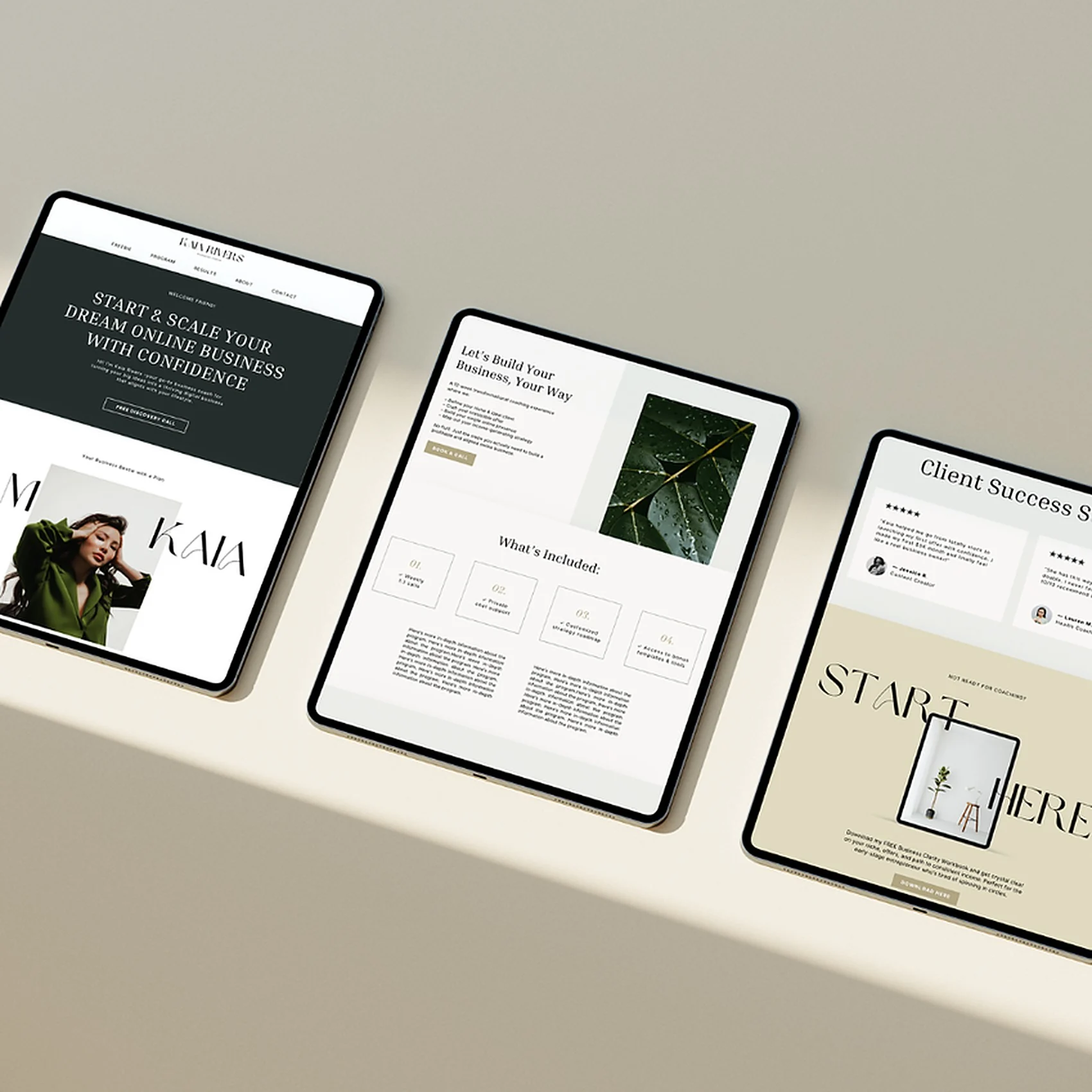
Build a Canva business that doesn't burn you out.
Explore resources for designers who want better workflows, stronger positioning, and revenue that doesn't rely on burnout.
"You consistently delivered strong content, were always open to feedback, and brought your own perspective to every brief in a way that really elevated the work."
"We received nothing but praise for the MeetUp. Attendees really loved the topics and you."
"Omg! Everything is so beautiful & elegant. I love it all! Bravo!"
"No major feedback from my end, just really appreciate how smooth and quick you were with everything."
"Great job! This is useful and I like the presentation so much!"
"Thank you so much Lynn, that was a brilliant masterclass with so much knowledge and help and tips."
"I already love the membership. The hours of time it will save me is incredible. The products are really well done and so usable."